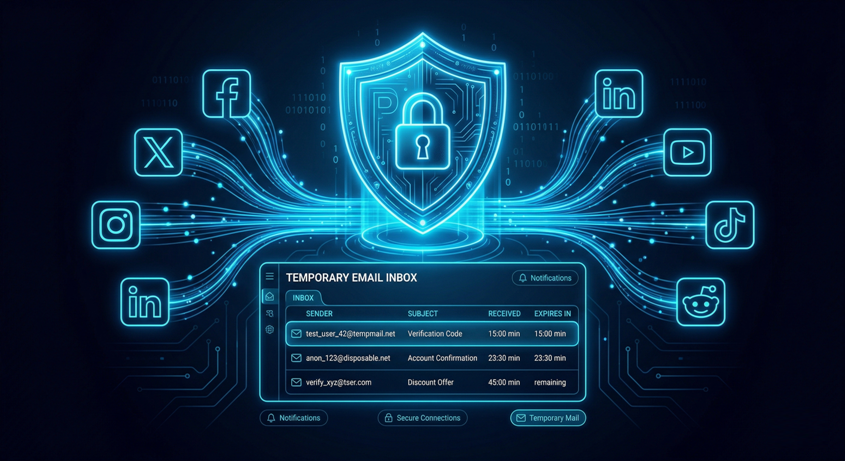
Use Temp Mail for Social Media Signups (Avoid Spam & Stay Private)
Social media platforms are everywhere from connecting with friends to building businesses.
But signing up often comes with a hidden cost:
Spam emails, data tracking, and privacy risks
That’s why many users in the USA and around the world now use temp mail for social media signups.
In this guide, you’ll learn how to:
- Create accounts safely
- Avoid spam emails
- Protect your identity online
Why Social Media Platforms Ask for Email
Almost every platform requires an email for:
- Account verification
- Password recovery
- Notifications
- Security alerts
But once you sign up, your email may also be used for:
- Marketing emails
- Promotions
- Data tracking
What Is Temp Mail?
Temp mail (temporary email) is a disposable email address that:
- Works instantly
- Requires no signup
- Expires automatically
It allows you to create accounts without using your personal email.
How to Use Temp Mail for Social Media Signups
1️⃣ Generate a Temporary Email
Open your temp mail website and copy the email.
2️⃣ Sign Up on Social Media
Use the temp email when creating an account.
3️⃣ Verify Your Account
Check the temp inbox for:
- Verification link
- OTP code
4️⃣ Complete Signup
Activate your account and start using the platform.
5️⃣ Stay Spam-Free
Your real inbox remains clean and protected.
Popular Platforms Where Temp Mail Is Used
Users globally use temp mail for:
- Social media accounts
- Forums and communities
- Messaging platforms
- Online services
Benefits of Using Temp Mail for Social Media
Avoid Spam Emails
No promotional messages in your main inbox.
Protect Your Identity
Keep your personal email private.
Quick Account Creation
No need to manage multiple email accounts.
Better Privacy Control
Reduce tracking and data sharing.
Limitations You Should Know
- Some platforms may block temp mail
- No password recovery if email expires
- Not suitable for important or long-term accounts
Safety Tips
To stay secure:
- Use temp mail only for non-critical accounts
- Avoid sharing personal information
- Use strong passwords
- Enable 2FA where possible
Smart Strategy (Recommended)
Use:
- Temp mail → for testing, trial, or secondary accounts
- Real email → for important and primary accounts
This gives you the best balance of privacy + security.
FAQs
Can I use temp mail for social media accounts?
Yes, many users do especially for secondary or trial accounts.
Is it safe to use temp mail?
Yes, for non-sensitive purposes.
Will I receive verification emails?
Yes, temp mail supports verification and OTP emails.
Why do some platforms block temp mail?
To prevent spam or fake account creation.
Conclusion
Social media is powerful but it shouldn’t compromise your privacy.
Using temp mail for signups helps you:
- Avoid spam
- Protect your identity
- Stay in control of your data
👉 Use it smartly, and enjoy a cleaner, safer online experience.